Family Game Night Picker Wheel: Spin for Fun
Reviewed by Raja Jahangir, SEO/AEO/AIO/GEO/SXO Strategist at Online Spin Wheel. Last updated: .
The Family Game Night Picker Wheel selects board games, card games, or active games like Twister when kids and parents argue over what to play. Load Monopoly, Uno, Charades, or video-game titles, let the youngest spin, and setup starts immediately. Removing played games keeps month-long Friday traditions fresh without repeating the same shelf favorite every week.
Overview
'What should we play tonight?' is a question that often leads to arguments among kids and parents. The Family Game Night Picker Wheel solves this instantly! Turn the process of choosing a game into a fun activity itself. Add your family's favorite board games or activities to the wheel, give it a spin, and let the fair, random selection begin. People often find this wheel when searching for random family game generator.
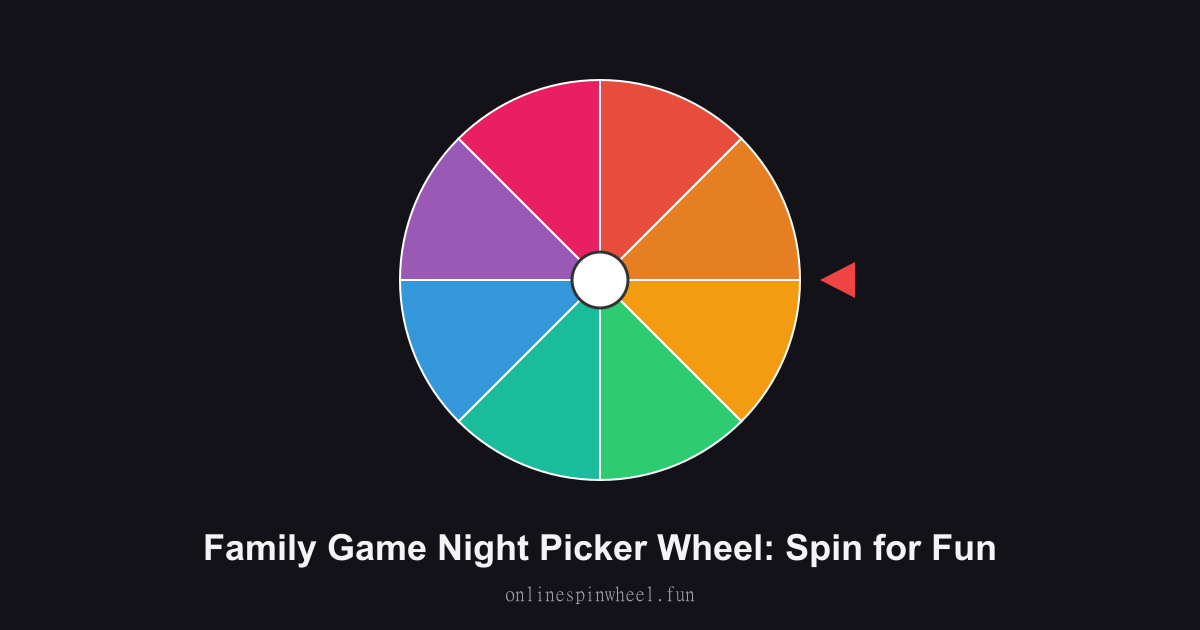
How to use the family game night picker wheel
1. Add your available board games. 2. Let the youngest family member spin the wheel. 3. Set up the game and have fun!
Default wheel options
- Monopoly
- Uno
- Scrabble
- Charades
- Hide and Seek
- Pictionary
- Jenga
- Twister
Rainy Friday rituals
Families keep a shelf list on the wheel and spin before pizza arrives.
Mixed-age households
Parents tag slices 5+, 10+, or teen so results match the youngest player present.
Holiday cousin visits
Extended family bulk-pastes party games before everyone arrives.
Screen-time tradeoffs
Board-game slices sit next to Switch titles so digital and analog nights rotate fairly.
Getting started
The Family Game Night Picker Wheel runs in your browser with no signup, paste entries, spin once, and reset when you need a fresh pool.
Enable remove-after-pick on the Family Game Night Picker Wheel when each option should win once, and turn on Streamer mode for a chroma-key backdrop on stream recordings.
Project the Family Game Night Picker Wheel fullscreen on a smartboard or TV so everyone sees the same spin without crowding one phone.
Frequently asked questions
Can we add video games?
Yes, Mario Kart and Minecraft slices coexist with Jenga and Scrabble.
What if setup takes too long?
Remove heavy games on school nights and keep quick card games active.
Does it teach fairness?
Kids see the wheel, not parents, pick, which reduces my-game-was-ignored meltdowns.
Can grandparents use it on tablets?
Large tap targets and bright slices work well for older relatives.