Random Color Wheel: Spin for a Color
Reviewed by Raja Jahangir, SEO/AEO/AIO/GEO/SXO Strategist at Online Spin Wheel. Last updated: .
The Random Color Wheel selects hues, red, cyan, magenta, for art challenges, design brainstorming, and classroom games. Creators spin before three-marker YouTube videos, UI designers pick accent colors randomly, and teachers organize color-of-the-day activities. Paste hex codes on slices when brand guidelines need exact values instead of basic color names.
Overview
Whether you are an artist looking for a random drawing challenge, a web designer picking a brand palette, or a teacher organizing a fun classroom game, the Random Color Wheel is your go-to tool. With just one spin, this color picker generator provides an unbiased, instant color choice to spark your creativity. People often find this wheel when searching for random colour wheel.
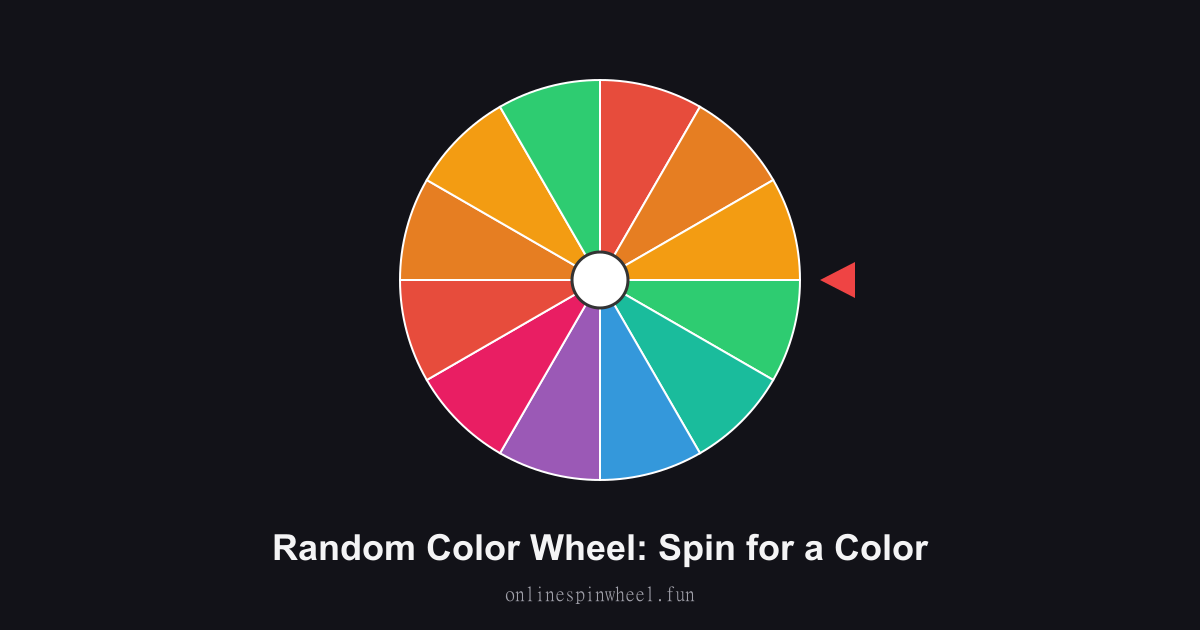
How to use the random color wheel
1. Click the Spin button. 2. Watch the colorful wheel rotate. 3. Use the randomly selected color for your project or game!
Default wheel options
- Red
- Blue
- Green
- Yellow
- Orange
- Purple
- Pink
- Black
- White
- Brown
- Cyan
- Magenta
Three-marker challenge
Artists spin three times, lock those markers, and illustrate one scene with limited pigments.
Brand mood boards
Freelancers spin hex slices when clients say surprise me for secondary palette exploration.
Toddler color drills
Preschoolers spin, then hunt the room for objects matching the chosen primary color.
Fashion coordination
Stylists spin accessory colors to pair with neutral outfits before photo shoots.
Getting started
The Random Color Wheel runs in your browser with no signup, paste entries, spin once, and reset when you need a fresh pool.
Enable remove-after-pick on the Random Color Wheel when each option should win once, and turn on Streamer mode for a chroma-key backdrop on stream recordings.
Project the Random Color Wheel fullscreen on a smartboard or TV so everyone sees the same spin without crowding one phone.
Frequently asked questions
Can I enter hex values?
Replace slice labels with #FF5733 or RGB notes for precise design work.
Does it show swatches?
Wheel slice colors visualize each entry; text can still spell the color name.
Can I exclude neutrals?
Delete black, white, and gray slices when you need vibrant results only.
Will custom palettes save?
Browser storage keeps edited lists on the same device between sessions.