Coin Flip Wheel: Toss a Digital Coin Instantly
Reviewed by Raja Jahangir, SEO/AEO/AIO/GEO/SXO Strategist at Online Spin Wheel. Last updated: .
The Coin Flip Wheel is a digital heads-or-tails toss with CSS 3D animation, variable flip physics, and a rare edge landing (about 1 in 6,000). Tap the coin or press FLIP THE COIN; upload local face images per side; use match toss mode for cricket or football kickoffs; track a session journal; toggle Web Audio sound (off by default); and share proof links. Outcomes are chosen with crypto.getRandomValues before the animation plays—physics and sound never change the result.
Overview
Whether you need to settle a friendly bet, decide who goes first, or just make a quick 50/50 choice, our Coin Flip Wheel is here to help. It works exactly like a traditional coin toss but adds the fun suspense of a spinning wheel. People often find this wheel when searching for coin flip online wheel.
Built-in features
Flip a 3D coin by tapping it or pressing FLIP THE COIN (Spacebar works too). Upload local face images per side, enable match toss mode for cricket/football kickoffs, track a session journal, toggle Web Audio sound (off by default), weighted odds, streak/tally stats, multi-flip batches, rare ~1-in-6,000 edge landings, text-only result PNG download, and shareable proof links.
How to use the coin flip wheel
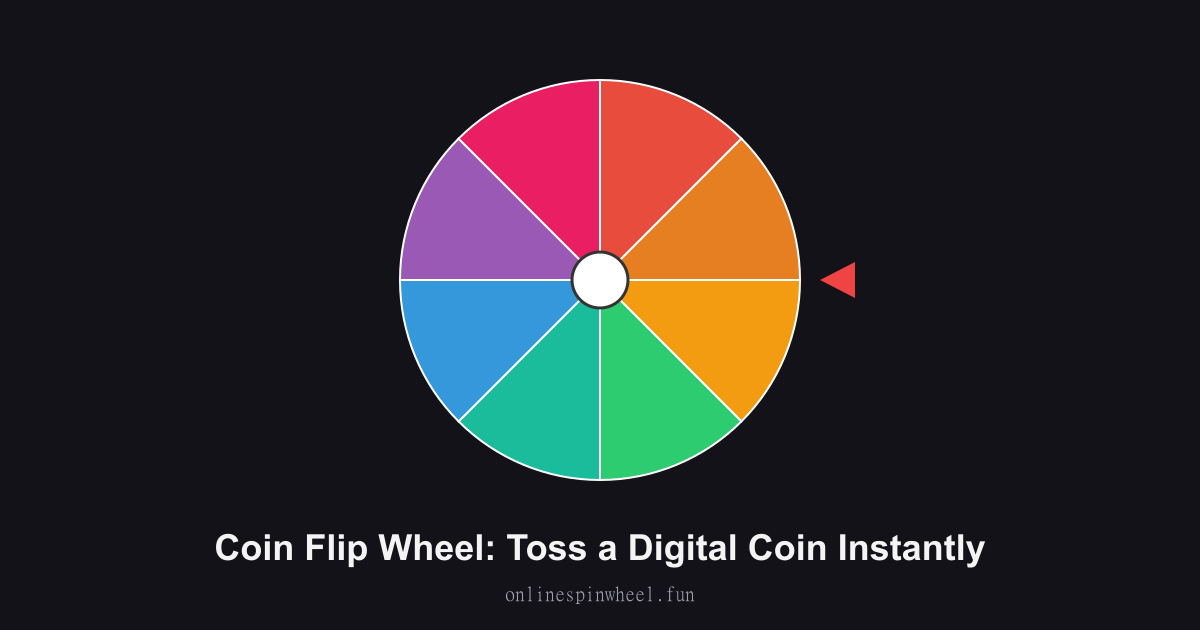
1. Think of your two options (Heads/Tails). 2. Click Spin to rotate the wheel. 3. See where the pointer lands for your result.
Default wheel options
- Heads
- Tails
- Heads
- Tails
- Spin Again
- Heads
- Tails
- Try Again
Board game first-player picks
Add a short question, flip once, and share the result card or proof link so everyone sees the same outcome.
Pickup sports kickoffs
Rename sides Team A and Team B, use blue/gold presets, and track streak stats across the match.
Couples debate tiebreakers
Type the question above the coin, flip, and download a text-only PNG without uploading photos to any server.
Classroom probability labs
Shift the weight slider to 70/30, run multi-flip batches, and compare empirical totals to the displayed odds.
Getting started
Load the Coin Flip Wheel with your list, spin once to preview timing, then adjust entries before going live.
Enable remove-after-pick on the Coin Flip Wheel when each option should win once, and turn on Streamer mode for a chroma-key backdrop on stream recordings.
Project the Coin Flip Wheel fullscreen on a smartboard or TV so everyone sees the same spin without crowding one phone.
Frequently asked questions
Can I upload photos for each coin face?
Yes. Each side has a Use your own image button in the controls card. Images stay on your device (PNG, JPEG, or WebP under 5 MB), are downscaled locally, and never upload to our servers.
How do I flip the coin?
Tap the coin, click FLIP THE COIN below it, or press Space when no input is focused. All three paths use the same fair draw.
What is match toss mode?
Enable Match toss mode to name both sides, pick who calls, and choose heads or tails before the flip. The page announces who wins the toss—ideal for cricket, football, or playground kickoffs—and includes toss details in proof links.
Can the coin land on its edge?
Rarely—about 1 in 6,000 flips, matching real-world physics. An edge result shows the coin standing upright, offers Flip again, and does not count toward either side's tally or weighted odds.
How does randomness work on this page?
Each flip draws from crypto.getRandomValues before the animation starts. Weighted odds only change the side probabilities among heads and tails—edge landings are separate. Animation length and spin count are visual only. Read more at /how-randomness-works and our /spin-wheel-fairness-study.
How does weighted flip work?
Move the slider to set Side A win percentage; the label always shows the exact odds (e.g. 70% Heads / 30% Tails). Randomness still uses crypto.getRandomValues and edge landings stay at ~1 in 6,000.