Random Number Wheel: Spin for a Number
Reviewed by Raja Jahangir, SEO/AEO/AIO/GEO/SXO Strategist at Online Spin Wheel. Last updated: .
The Random Number Wheel picks integers inside a min–max range you set. Changing minimum or maximum reloads the visual wheel immediately for ranges of 30 or fewer. Optional no-repeat mode keeps one shared used pool for both the Pick random number button and the spin wheel—drawn integers leave both until you reset or the pool empties. Larger ranges skip the wheel graphic and show a bold numeric result. Use it for board-game substitutes, bingo-style calls, or classroom math warm-ups.
Overview
Need a quick digit? The Random Number Wheel is a fun, visual way to generate numbers for board games, raffles, or math exercises. Replace your dice with this online number generator wheel and get an instant result.
Built-in features
Set minimum and maximum; the wheel reloads those integers instantly when the range has 30 values or fewer. Toggle no-repeat to share one used pool between the quick-pick button and the spin wheel—drawn numbers leave both until reset. Wider ranges skip the wheel graphic and show a bold numeric result.
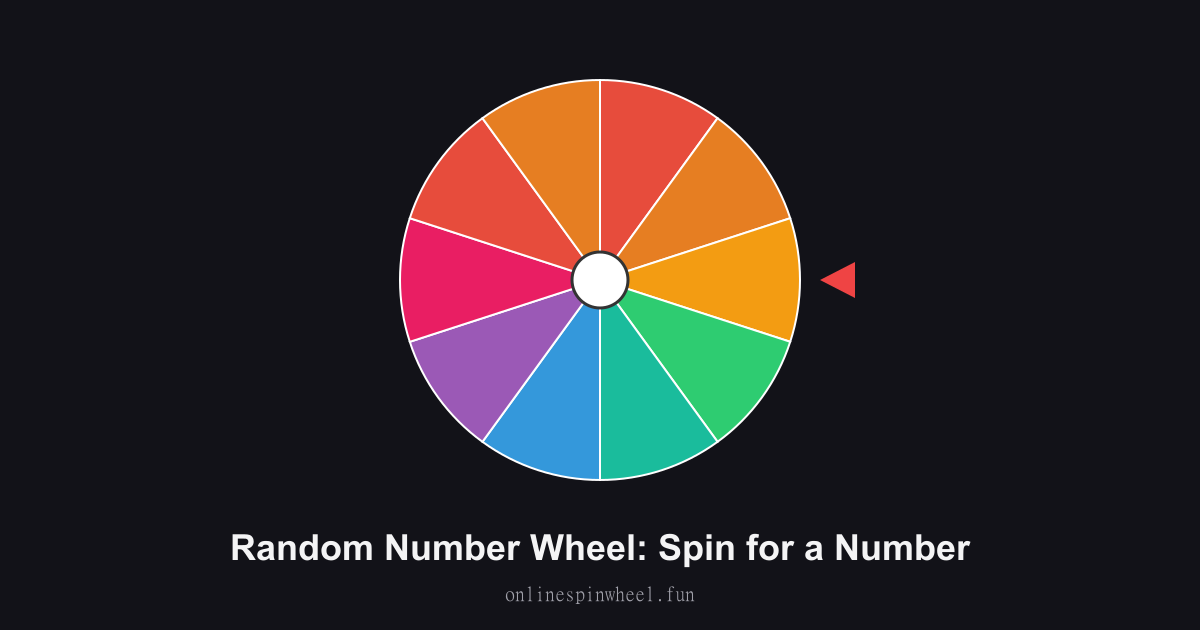
How to use the random number wheel
1. Edit the wheel to set your number range. 2. Click Spin to rotate the wheel. 3. Use the randomly selected number for your activity!
Default wheel options
- 1
- 2
- 3
- 4
- 5
- 6
- 7
- 8
- 9
- 10
Bingo caller replacement
Enable no-repeat mode for numbers 1–75 so every call stays unique until the card fills (large ranges use the numeric result display).
Tabletop RPG dice substitute
Set 1–20 for d20 rolls during D&D sessions when physical dice roll under the couch; that range fits on the visual wheel.
Statistics sampling demos
Professors pick repeated samples so students see distribution patterns live.
Prize number draws
Events map ticket numbers to a range and pick on stage for transparent winner announcements.
Getting started
Load the Random Number Wheel with your list, spin once to preview timing, then adjust entries before going live.
Enable remove-after-pick on the Random Number Wheel when each option should win once, and turn on Streamer mode for a chroma-key backdrop on stream recordings.
Project the Random Number Wheel fullscreen on a smartboard or TV so everyone sees the same spin without crowding one phone.
Frequently asked questions
How do I set min and max values?
Use the Minimum and Maximum fields in the mode card. For ranges of 30 or fewer, those integers load onto the visual wheel and Manage Entries list as soon as you change either field—no extra button needed.
What does no-repeat mode do?
Drawn numbers leave one shared pool used by both Pick random number and the spin wheel until you tap Reset used or change the range. That prevents duplicate picks in one session.
When do I see a spinning wheel vs a big number?
Ranges of 30 values or fewer show every integer on the visual wheel; both the button and the wheel draw from that same list. Larger ranges hide the wheel graphic and show the result as a large number so the UI stays readable.
Is this cryptographically secure for high-stakes lotteries?
It suits classrooms and parties. Regulated lotteries need certified hardware; this is a visual browser tool.