Team Generator Wheel: Random Group Picker
Reviewed by Raja Jahangir, SEO/AEO/AIO/GEO/SXO Strategist at Online Spin Wheel. Last updated: .
The Team Generator Wheel spins from your participant list for a quick random pick, and also splits that same roster into balanced teams with round-robin assignment. Paste PE, workshop, or gaming names once, spin or generate squads, and skip captains arguing over who picks first.
Overview
Stop arguing over who goes on which team! Our Team Generator Wheel is the ultimate random group picker. Whether it is for a cricket match, a multiplayer video game, or a classroom assignment, this wheel makes team selection 100% fair.
Built-in features
Paste participant names once to drive both the spin wheel (quick random pick) and balanced team generation. Choose how many teams you need; the generator shuffles and distributes names round-robin so squad sizes stay within one person.
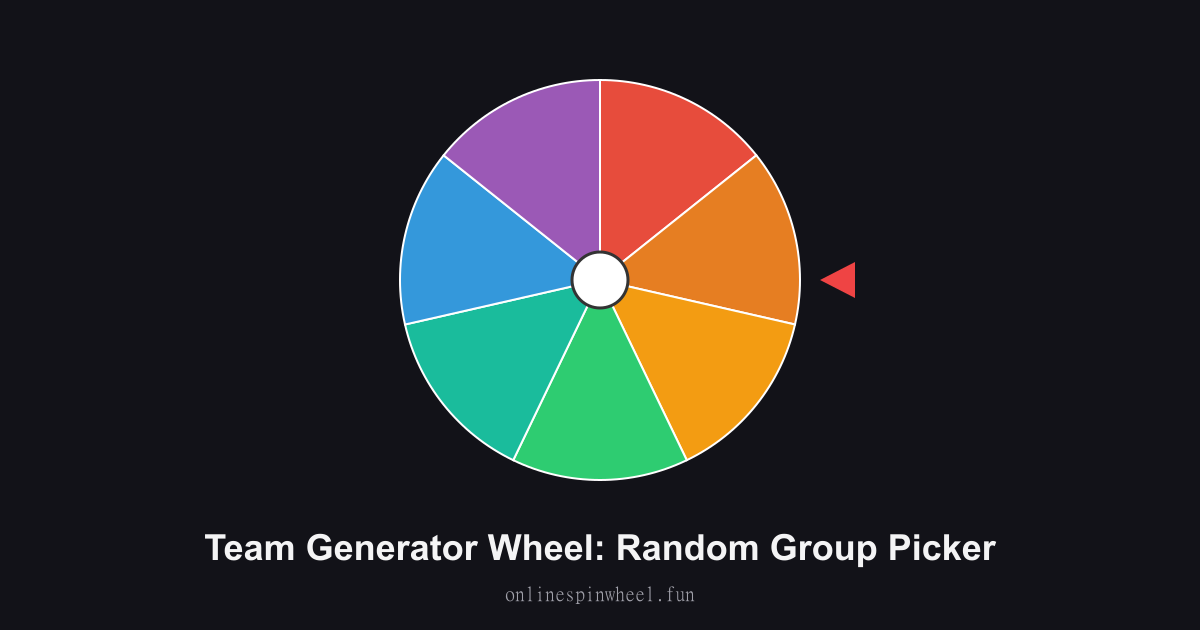
How to use the team generator wheel
1. Enter the team names or numbers. 2. Click Spin to select a team. 3. Assign your players to the randomly picked group!
Default wheel options
- Team A
- Team B
- Team C
- Team D
- Team E
- Team 1
- Team 2
PE class scrimmages
Gym teachers paste the roster, choose four teams, and generate balanced groups each period.
Corporate retreat tables
HR pastes attendee names, generates table groups, and breaks silos before brainstorming sessions.
Discord squad nights
Admins paste eight players and generate two stacks so rank grinders cannot stack every ace on one side.
Science fair judging pairs
Teachers generate random judge pairs so no student knows who evaluates their board beforehand.
Getting started
Load the Team Generator Wheel with your list, spin once to preview timing, then adjust entries before going live.
Enable remove-after-pick on the Team Generator Wheel when each option should win once, and turn on Streamer mode for a chroma-key backdrop on stream recordings.
Project the Team Generator Wheel fullscreen on a smartboard or TV so everyone sees the same spin without crowding one phone.
Frequently asked questions
How does the spin wheel work with team generation?
The same participant list fills the wheel for a simple random spin and feeds Generate teams for a balanced multi-team split.
How many teams can I create?
Set the team count (2–20, up to your roster size). Names distribute round-robin so sizes stay within one person.
Does it balance skill levels automatically?
Random assignment spreads players evenly over many runs; for strict skill balance, order star players manually first.
Can I reuse the same roster weekly?
Paste the same list each time, or keep the tab open. Team labels are the generated groups, not fixed browser storage for this tool.