Prize Wheel, Spin for Giveaways & Promos
Reviewed by Raja Jahangir, Content & SEO Lead at Online Spin Wheel. Last updated: .
The Prize Wheel labels each slice with rewards, Grand Prize, gift cards, bonus entries, so carnivals, retail promos, and stream giveaways feel like a game show. Spin once for a single winner or run several rounds, customize colors, and screen-record the landing slice for your audience. Need hardware instead? The buyer guide below explains what to look for in tabletop prize wheels.
Overview
Prize Wheel
Built-in features
Load labeled prize slices, Grand Prize, gift cards, bonus entries, and spin for game-show-style giveaways on a phone, tablet, or booth display.
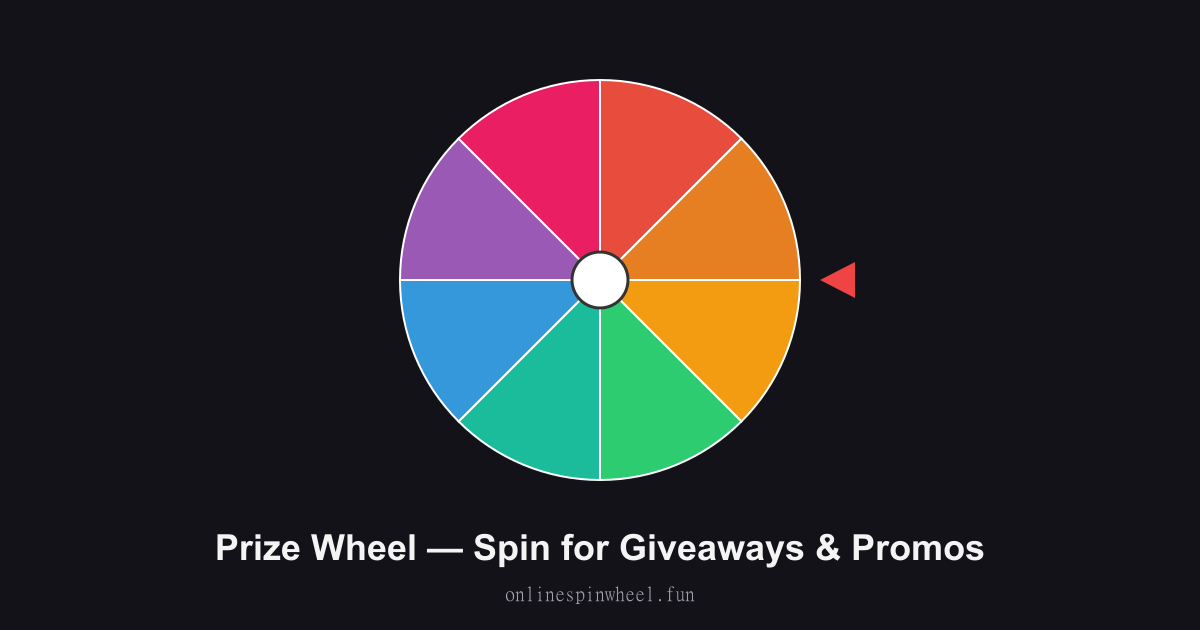
How to use the prize wheel
Spin for Giveaways & Promos
Default wheel options
- plus an honest guide if you want a physical wheel.
Retail grand-opening promos
Managers load Grand Prize, 10% Off, and Free T-Shirt slices, spin when a customer completes a purchase, and photograph the result for social posts.
Twitch subscriber rewards
Streamers assign sub-giveaway tiers to slices, spin live on overlay, and read the highlighted label when the wheel stops.
Birthday party game stations
Parents set Candy, Small Toy, and Try Again slices so kids take turns spinning between cake and presents.
Corporate wellness challenges
HR teams swap slices weekly, water bottle, gift card, extra PTO hour, and spin at all-hands to reward participation milestones.
Farmers market vendors
Booth owners spin for free samples or discount codes, turning foot traffic into a visible, shareable moment.
Need a physical prize wheel? What to look for
Dry-erase tabletop wheels ($30–$120) let staff rewrite prizes with markers, ideal for rotating retail promos. Look for a stable base, smooth bearing spin, and segments you can relabel without peeling stickers. Floor-standing wheels ($150–$400) suit trade shows but need transport storage. Check weight balance so the pointer does not favor one wedge after repeated spins. If you only run occasional online giveaways, a free browser prize wheel avoids storage, shipping, and bias from worn hardware, spin live on a tablet and screen-record instead.
Getting started
Load the Prize Wheel with your list, spin once to preview timing, then adjust entries before going live.
Enable remove-after-pick on the Prize Wheel when each option should win once, and turn on Streamer mode for a chroma-key backdrop on stream recordings.
Project the Prize Wheel fullscreen on a smartboard or TV so everyone sees the same spin without crowding one phone.
Frequently asked questions
Can I rename every prize slice?
Yes. Delete the defaults and type Grand Prize, Gift Card, or any label. Colors adjust automatically as you add slices.
Is this better than buying a tabletop wheel?
Digital wheels need zero storage, update instantly, and use cryptographic randomness. Physical wheels shine when you want a tactile prop customers can touch in-store.
Can I run multiple prize rounds?
Spin again after each winner or remove winning slices so the remaining prizes stay in the pool for the next round.
Does it work on a phone at my booth?
Yes. Open the page on any phone or tablet, tap to spin, and tilt the screen toward customers, no app install required.
How is this different from the raffle wheel?
The prize wheel emphasizes labeled rewards on each slice. The raffle wheel focuses on ticket numbers and multi-winner proof links for numbered entries.