Spin Wheel Icebreakers for Meetings
Written by Raja Jahangir (SEO/AEO/AIO/GEO/SXO Strategist, Online Spin Wheel). Last updated 2026-07-14.
Quick summary
This is not a generic list of icebreaker games for work. Every activity here starts with a spin on Online Spin Wheel, prompt roulette, yes-or-no debates, truth-or-dare lite, team shuffles, and more, built for five-minute openings on Zoom and hybrid US meetings. Facilitators get a printable run sheet, example prompts to paste on each wheel, and paths to the exact tools to screen-share.
1. Why wheel-first icebreakers work on Zoom and hybrid calls
Remote and hybrid US teams often open meetings with silence while everyone waits for the host to pick who speaks first. Spin the wheel icebreaker games fix that awkward gap in under five minutes: the wheel, not the manager, chooses the next voice, and the prompt is already on screen before anyone un-mutes.
Unlike static question lists, a live spin gives remote participants something to watch while cameras load. In-room colleagues see the same animation on the conference-room display, so hybrid groups share one focal point instead of two different experiences.
Every format below requires spinning our wheel. If an activity does not start with a spin, it is not in this guide. That narrow scope keeps prep time low: paste prompts once, share your screen, and run the same flow on Monday stand-ups and Friday retros.
Facilitators tell us the hardest part is not thinking of questions, it is choosing who goes first without playing favorites. A name wheel makes that decision visible to the whole call, which matters when you manage distributed teams across US time zones and cannot read body language the way you would in a physical break room.
2. Before you share your screen
Before the meeting starts, open one clean browser tab with the tool you need: the random name picker for who speaks, the yes-or-no wheel for binary prompts, or the team generator for breakout groups. Test screen share on Zoom, Google Meet, or Teams so everyone can see the spin. In hybrid rooms, mirror that same tab on the conference-room display.
Load prompts from the sections below, or swap in your own HR-approved lines. Keep medical, political, and pay topics off the wheel. Five minutes means one or two spins total, not a long warm-up.
5-minute spin icebreaker run sheet
- Pick one format from this guide and open the matching wheel before the meeting starts.
- Paste first names or prompts into the wheel; make sure the slice count matches your headcount.
- Share screen on Zoom, Meet, or Teams and ask remote attendees to pin the shared window.
- Say the rule out loud: whoever the wheel lands on answers in 30 to 45 seconds, then you spin again or close.
- Turn on remove-after-pick on name wheels so the same person is not chosen twice in one round.
- Set a visible timer for five minutes maximum, including spins.
- Keep session history if you need a simple record of who spoke first.
- End with one sentence handoff to the agenda: "Great, let's move to item one."
3. Eight spin-the-wheel icebreaker formats with example prompts
Each activity below is written as plain instructions you can follow live. Adjust the tone for your company, and keep answering optional if someone prefers to pass.
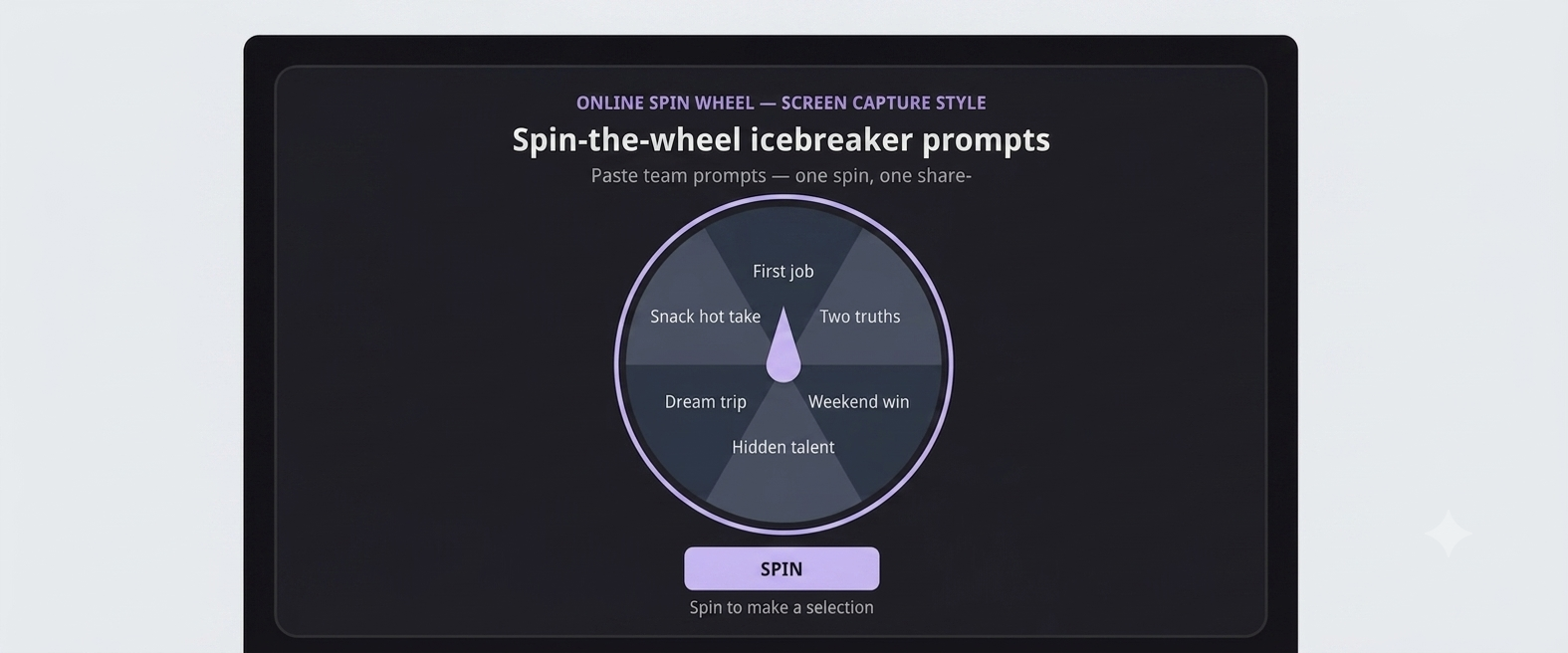
Prompt Roulette
Open two wheels side by side, or use one wheel twice. Put attendee names on the random name picker. Put short prompts on a second list (or clear names and paste prompts into the same tool).
Good prompt examples: "What is one tool you tried this month?" "Share a win from last week in one sentence." "What meeting time works best for your time zone?" "Name a colleague who helped you recently."
Spin once for who speaks, spin again (or read the next prompt), and give that person about 45 seconds. Two rounds usually fit five minutes for teams under twelve.
Yes or No Debate Spin
Open the yes-or-no wheel and pick one light debate topic for the round. Funny or low-stakes works best: "Should cameras stay on for all-hands?" "Is an async update enough instead of this meeting?" "Does pineapple belong on pizza?"
Spin yes or no to assign a forced stance. That person defends the side for about thirty seconds. Skip anything involving protected classes, personal performance, or real management decisions.
Truth or Dare Lite
Paste work-safe prompts on the yes-or-no wheel or name picker (truths as slices, or a two-slice Truth / Dare wheel you label yourself). Example truths: "What is your go-to lunch during busy weeks?" "What app do you open first each morning?" Example dares: "Show your coffee mug to the camera." "Type your favorite emoji in chat." "Share your phone wallpaper if it is work-appropriate."
Spin once. The selected person answers the truth or does the dare. Skip dare slices on client calls or executive meetings.
Team Shuffle Icebreaker
Open the team generator and paste attendee names. Set the number of teams to match the breakout rooms you need.
Spin once before the main agenda. Read the groups aloud, then open Zoom or Teams breakouts right away. Give each room one quick question, such as "What is one goal your sub-team shares this quarter?" Session history can show the draw was random if anyone asks.
Winner Picks the Next Prompt
Use the winner picker for the first speaker, and keep a short prompt list nearby (a second wheel or a numbered doc). Prompt ideas: "Best book you read this year?" "One skill you want to learn?" "Favorite local lunch spot?" "What podcast do you recommend?"
The first spin picks who talks. After they answer, that person spins for the next prompt or the next speaker. The chain moves quickly through small teams.
Two Truths Wheel
Put simple labels on the random name picker, or paste sentence starters your team can mix and match. Examples: "I have visited three countries." "I speak two languages." "I once met a celebrity."
The selected person shares two truths and one lie. Chat guesses for about ten seconds, then they reveal the answer. This works especially well when new hires are on the call.
Quick Poll Spin
Load fun pairwise choices on the yes-or-no wheel or as short slices on a name picker: coffee vs tea, cats vs dogs, morning person vs night owl, spreadsheet vs slides.
Spin, then everyone votes in chat for the option they prefer. No long explanations. Three spins in under three minutes can wake up a quiet stand-up.
New Hire Spotlight
Paste only the new hires' names onto the random name picker so veterans are not pulled into this round. Keep a short prompt list ready: "What surprised you about our onboarding?" "What is one thing you are excited to learn?" "Where did you work before joining?"
Spin once, give that person about a minute, then hand the meeting back to the agenda owner. Limit it to one new hire per meeting so the same person is not spotlighted every week while everyone else waits.
Meeting Mood Meter
Paste attendee names on the random name picker. Keep three quick mood questions ready: "One word for your energy today." "Green, yellow, or red check-in." "What would help this meeting succeed?"
Spin a name. That person answers in one sentence. You get a fast temperature check without a long round-robin. If someone says red and your culture allows it, follow up privately after the call.
4. Hybrid rooms: one wheel, two audiences
When half the team is in a conference room and half on Zoom, lag and side conversations can kill icebreakers before they start. Display the same spin tab on the room projector and the host's shared screen so everyone sees the landing slice at the same moment.
Ask in-room participants to stay muted until the wheel stops; remote colleagues do the same. Call on the selected person by name twice, once for the room, once for the stream, to reduce "I did not know it was me" moments. Keep a backup phone hotspot if conference Wi-Fi drops; wheels run in the browser without installs.
If your room microphone picks up applause or chatter when the wheel lands, mute the conference speaker briefly during the spin animation, then un-mute for the answer. Remote workers report that small step makes prompts easier to hear and keeps the five-minute block from spilling into slide one.
5. Related wheels for facilitators
Bookmark these tools for recurring meetings: the team generator for breakout groups, the random name picker for who speaks first, the yes-or-no wheel for binary polls and debates, and the winner picker for chain-style prompt picks. All are free, browser-based, and built for screen share on US corporate laptops.
Pair remove-after-pick with name wheels when you run multiple spins in one huddle. Use session history after workshops to confirm everyone had a chance to introduce themselves before you dive into slides.
6. Open your next stand-up with one spin
Choose Prompt Roulette or Quick Poll Spin if you need the lowest prep. Paste names and three prompts, share screen, and stop at five minutes on the timer. If the room loosens up, keep the same wheel links for next week; students of habit appreciate not learning a new game every Monday.
Spin the wheel icebreaker games will not replace thoughtful team culture, but they give hybrid US teams a fair, visible way to hear more voices before the real work begins.
Save your best-performing prompt list in a doc linked from the meeting invite. Rotating three formats across the month, Prompt Roulette, Quick Poll Spin, and Meeting Mood Meter, keeps energy up without asking managers to invent new games from scratch every quarter.
Frequently asked questions
What are good spin the wheel icebreaker games for Zoom meetings?
Prompt Roulette, Yes or No Debate Spin, Quick Poll Spin, and Meeting Mood Meter all run in five minutes over screen share. Start with the random name picker or the yes-or-no wheel.
How long should a wheel icebreaker take?
Cap at five minutes including one or two spins. Use the run sheet checklist in this guide and a visible timer so the agenda stays on track.
Do these activities work for hybrid teams?
Yes. Display the same wheel on the conference-room screen and the host's shared tab so in-room and remote attendees see results simultaneously.
Can I avoid picking the same person twice?
Enable remove-after-pick on name wheels. Each selected slice drops off until you reset the list, and session history logs the order of picks.
Are truth-or-dare prompts safe for work?
Use only the professional truths and mild camera dares listed in Truth or Dare Lite. Skip dare slices on client-facing or executive calls.
Which wheel do I use to split people into breakout groups?
Open the team generator, paste attendee names, set the number of teams, and spin once. Use the result to assign Zoom or Teams breakout rooms.