12 Classroom Spin Wheel Games (K-12)
Written by Raja Jahangir (SEO/AEO/AIO/GEO/SXO Strategist, Online Spin Wheel). Last updated 2026-07-14.
Quick summary
US K-12 teachers use spin the wheel games for students to call on volunteers fairly, review vocabulary, and run quick math drills without printing worksheets every morning. This guide lists twelve classroom spinner games with grade bands, setup steps, and the exact wheel to open on your smartboard. You will also find tips for fullscreen projection, remove-after-pick fairness, and session history when you run multiple rounds in one period.
1. What US teachers get from spin-the-wheel classroom games
Elementary homeroom teachers, middle school ELA leads, and high school science instructors across the US all face the same friction: students tune out when participation feels predictable or unfair. Spin the wheel games for students add a visible moment of suspense before anyone speaks, which raises attention without turning every lesson into a full game show.
A classroom spinner also removes favoritism complaints. When the flapper lands on a name or task, the choice came from the wheel, not from you pointing at the same volunteers. That single shift makes shy students more willing to try and competitive students more willing to wait their turn.
The activities below are built for American K-12 schedules: five- to fifteen-minute blocks you can drop into bell work, review, or end-of-period wind-down. Each game names a grade band, what to type on the wheel, and which tool on Online Spin Wheel to open.
2. Set up your classroom spinner before first period
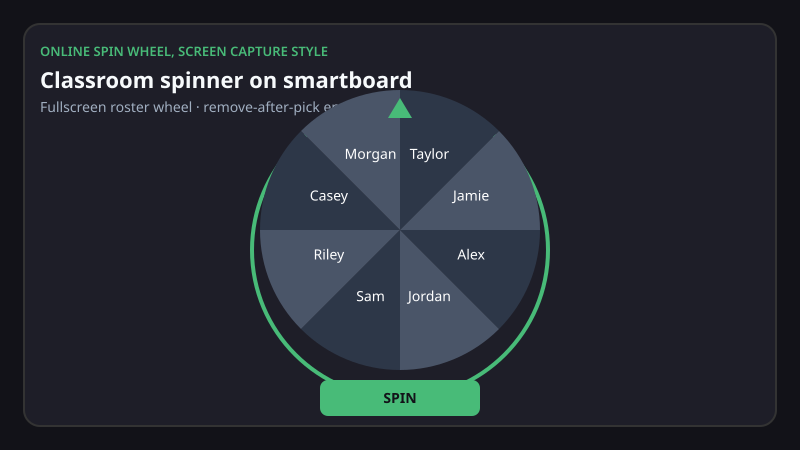
Open the classroom spinner on the device connected to your projector or interactive board. Paste your class roster, vocabulary list, or custom labels into the text box; the wheel redraws automatically. For a distraction-free view, use fullscreen so browser tabs and the taskbar disappear behind the spin.
Turn on remove-after-pick when you are drawing multiple volunteers in one round. After each spin, the selected slice drops off so the same student cannot be chosen twice before everyone has had a turn. Session history logs each result in order, which helps if a parent or administrator asks how groups were formed.
Bookmark the tools you use weekly: the random student picker for participation, the alphabet spinner for phonics, and the ABCD review wheel for multiple-choice-style drills. Keep the random number wheel handy for math warm-ups and the raffle wheel for labeled reward spins on positive-reinforcement Fridays.
3. Twelve spin-the-wheel games by grade band
Match the grade band to your roster, paste the suggested labels, and spin once to start. Every activity below needs a real wheel spin, not manual calling or paper slips.
Random Volunteer Spin
Best for grades K through 12. Paste first names into the random student picker.
Spin once. The named student answers the question you just asked or reads the next paragraph. Turn on remove-after-pick so the same student cannot be chosen again until the roster resets.
This works well for cold calling during novel studies or lab discussions when you need equal airtime in under two minutes.
Vocabulary Lightning Round
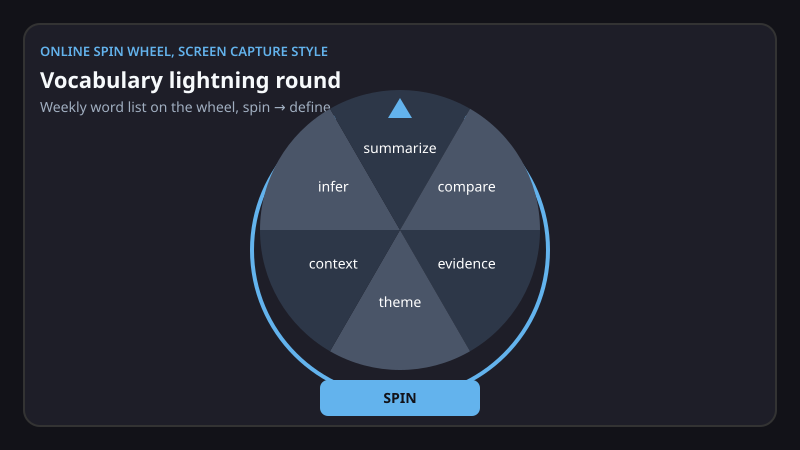
Best for grades 2 through 8. Load weekly vocabulary words on the alphabet spinner, or list the words directly on the classroom spinner.
The student who was last picked spins. They define the word, use it in a sentence, or sketch it on a mini whiteboard. Peers give a quick thumbs up or down. After three correct rounds, that student can spin the raffle wheel in prize-label mode for a small reward such as a homework pass or chair swap.
Math Minute Generator
Best for grades 1 through 6. Open the random number wheel and set a range that matches your standard, for example 0 to 12 for multiplication facts or 10 to 99 for two-digit addition.
Spin twice per turn to build a problem: first spin is factor A, second spin is factor B. The class solves on whiteboards; the first correct row stands. Session history shows which number pairs already appeared so you avoid repeats in the same warm-up.
Spelling Slice Challenge
Best for grades 1 through 5. Place about ten spelling words on the classroom spinner.
The spinner lands on a word, then that student calls a classmate to spell it aloud without notes. Misses go to the end of the line; perfect spellers spin next. You can remove words after they are used so the list shrinks as you go. Fullscreen keeps eyes on the board during Friday assessments.
Group Captain Picker
Best for grades 3 through 12. Paste project groups or table numbers on the random student picker, and leave one captain slot per group.
Spin to name captains who then choose teammates, or spin captains first and then place remaining students into balanced groups. Session history gives you an audit trail. This works for science fair teams, debate prep, and peer editing circles.
Classroom Job Roulette
Best for grades K through 5. List classroom jobs on the classroom spinner, such as line leader, librarian, botanist, and tech helper.
On Monday morning, spin once to assign jobs for the week. Because the slices are jobs rather than student names, you can reuse the same wheel daily and only spin again when someone is absent. Pair it with the random student picker if a job needs a backup helper on the spot.
ABCD Review Categories
Best for grades 4 through 12. Label the four sides of the ABCD spin wheel with the units you are reviewing, for example Colonial America, Civil War, Industrial Era, and Modern US.
Land on a category. The selected student asks the class one review question from that unit. Classmates raise hands; you pick someone to answer, or spin again. Ideal before state benchmarks when you need broad coverage fast.
Friday Prize Spin
Best for grades K through 12. Load low-cost rewards on the raffle wheel (prize-label mode): extra recess minutes, a sticker, partner-work choice, or a positive note home.
Students who met weekly goals each spin once. Remove-after-pick keeps one reward per student. Show session history on the board so results feel transparent. Keep prizes academic and inclusive, and skip food rewards if your district restricts them.
First-Week Would You Rather
Best for grades 6 through 12. Paste school-safe prompts on the classroom spinner, such as "Would you rather present first or last?" "Study hall or open gym?" "Digital notes or paper notebook?"
Spin once for the prompt, then spin the random student picker for who answers first. Keep shares to about two minutes. No follow-up debate required. It breaks the ice without personal questions some families dislike.
Reading Order Randomizer
Best for grades 2 through 8. Put chapter titles or page ranges on the classroom spinner, and names on the random student picker.
Spin for which section comes next, then spin for who reads. Remove-after-pick on the name wheel guarantees everyone reads once before repeats. Fullscreen keeps chapter numbers legible from the back row.
Letter-of-the-Day Warm-Up
Best for grades K through 2. Open the alphabet spinner with all twenty-six letters visible.
A morning spin picks the letter. Students brainstorm words around the room while you record them on chart paper. Spin the random student picker to choose who shares each word. It reinforces phonemic awareness in under five minutes before calendar time.
Number Bond Builder
Best for grades 1 through 3. Set the random number wheel between 5 and 20.
Spin a whole number. A student names two parts that add to it, for example 14 becomes 9 plus 5. The class checks with a quick choral response. Log spins in session history so you cover different totals across the week, and keep manipulatives on desks for tactile learners.
4. Wheels to bookmark for the school year
Keep these tools one click away on your teacher laptop: the random student picker for fair participation, the classroom spinner for custom lists and jobs, the alphabet spinner for phonics and spelling, the ABCD wheel for unit review, the random number wheel for math drills, and the raffle wheel for reward spins. Together they cover most spin-the-wheel classroom games without paid apps or student accounts.
If your district blocks new bookmarks, save one classroom spinner link and change the labels between periods. Pasted lists stay in the current browser tab for that session; copy your roster to a doc if you need the same names after lunch or on another device.
5. Printable backup for subs and power outages
Digital wheels fail when the projector bulb dies or a sub cannot log into your machine. Keep a paper fallback ready without rewriting your games from scratch.
Download printable game cards (PDF), Printable spin-the-wheel game cards with setup lines for all twelve activities, hand to a substitute or use when Wi-Fi is down.
6. Start with one game tomorrow
Pick the single activity closest to tomorrow's lesson objective, vocabulary, math facts, or fair calling, and run it once in fullscreen with remove-after-pick enabled. Students learn the routine in one period; you can layer additional classroom spinner games as the month goes on.
When a game works, duplicate your wheel labels into session history notes or a saved doc so you can reuse the same list for finals review. Fair spins build trust; predictable prep saves you planning time every week.
Frequently asked questions
What are the best spin the wheel games for students in US classrooms?
The twelve activities in this guide, Random Volunteer Spin, Vocabulary Lightning Round, Math Minute Generator, and nine more, cover K–12 participation, review, and rewards. Each names a grade band and how to set up the wheel.
Do I need an account to use classroom spinner games?
No account is required. Open any wheel in your browser, paste your list, and spin. Entries are not uploaded to our servers; on classroom and specialty wheels they stay in the current tab until you refresh or close the page.
How does remove-after-pick keep games fair?
After each spin, the chosen slice is removed from the wheel so the same student or option cannot be selected again until you reset the list. Session history records the order of picks for your reference.
Can I project the wheel fullscreen on a smartboard?
Yes. Fullscreen hides browser chrome so only the wheel shows on your projector or interactive panel, useful when students sit far from the screen.
Which wheel should I use for picking students versus vocabulary words?
Use the random student picker for names and participation. Use the classroom spinner or alphabet spinner for words, jobs, and custom labels. Use the random number wheel for math ranges and the raffle wheel (prize-label mode) for reward spins.
Are these games appropriate for middle and high school?
Yes. Games like ABCD Review Categories, First-Week Would You Rather, and Group Captain Picker are written for grades 6–12. Adjust prompts to your subject and school culture.